


Set your rhythm
Choose a weekly or monthly subscription.
Giving on autopilot
Link your card for automatic donations and keep the pulse of kindness going.
Choose a weekly or monthly subscription.
Smart distribution, a cause or a specific nonprofit.
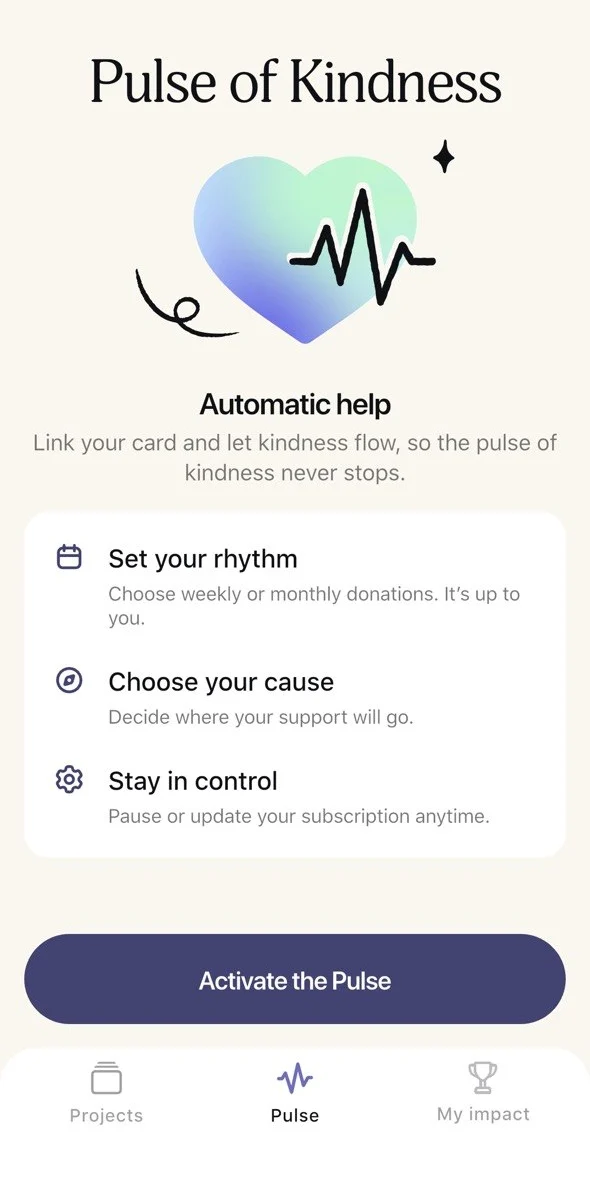
Stop or change your subscription at any time.
Open IMAST and tap Pulse in the bottom bar.
You choose how your donations are distributed.
IMAST’s automated system distributes funds among the highest-priority fundraisers.
Your donations will go to projects that match your chosen cause.
Choose a nonprofit that works on the issues you care about and direct your support there.




 +25
+25Enter your email and sign in with the code we send you, or use your Google or Apple account.
Add your card details for automatic donations.
Choose the frequency, amount and donation type, then tap “Activate Pulse”.
Small, regular donations create a powerful wave of change.
